A stuck job keeps running and never reports a failure. If the job tells UPGURU when it starts, we can notice that it's taking too long.
1
Report the start of the job
The job has to report as a run — a start, its output and a finish. The easiest way is the script from Watch job output live.
2
Set a Max Run Time
In the endpoint's Configuration card, set Max Run Time to a bit more than the job normally takes, and click Save Changes.
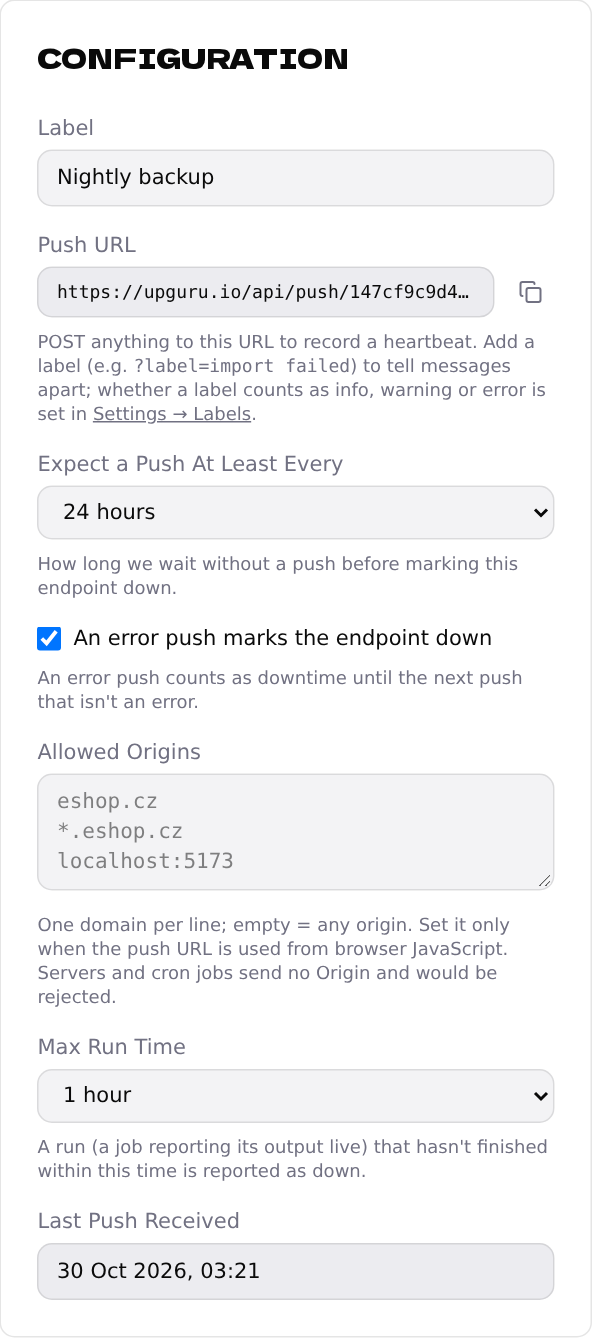
A run that's still going after that time is reported as down, with a message like Run … did not finish within 60 minutes, and shown as Timed out under Runs.
Look at the durations under Runs for a week before choosing; set the limit to about twice the longest run.