Instead of one call at the end, the job reports a run: when it started, every line it printed, and how it finished. You can follow it on the detail page as it happens.
1
Save this script on the server
Save it as /usr/local/bin/upguru-run and make it executable with chmod +x /usr/local/bin/upguru-run:
#!/usr/bin/env bash
# upguru-run: runs a command and streams its output to UPGURU.
# Usage: upguru-run <push-url> <command> [arguments...]
url=$1; shift
id="run-$(date +%Y%m%d-%H%M%S)-$$"

curl -fsS -X POST "$url" -H "Content-Type: application/json" \
  -d "{\"run\": {\"event\": \"start\", \"id\": \"$id\"}, \"context\": {\"command\": \"$1\", \"host\": \"$(hostname)\"}}" > /dev/null

"$@" 2>&1 | while IFS= read -r line; do
  printf '%s\n' "$line" | curl -fsS -X POST --data-binary @- "$url?runEvent=log&runId=$id" > /dev/null
done
code=${PIPESTATUS[0]}

level=info; [ "$code" -ne 0 ] && level=error
curl -fsS -X POST "$url?runEvent=finish&runId=$id&exitCode=$code&level=$level" -d "Exited with code $code" > /dev/null
exit "$code"
2
Run your job through it
upguru-run "https://upguru.io/api/push/YOUR-TOKEN" /opt/backup.sh
In a crontab:
0 2 * * * /usr/local/bin/upguru-run "https://upguru.io/api/push/YOUR-TOKEN" /opt/backup.sh
The script sends one request per line of output, which is fine for most jobs. If you use the
upguru command-line tool, upguru run --live -- /opt/backup.sh does the same.3
Follow the run
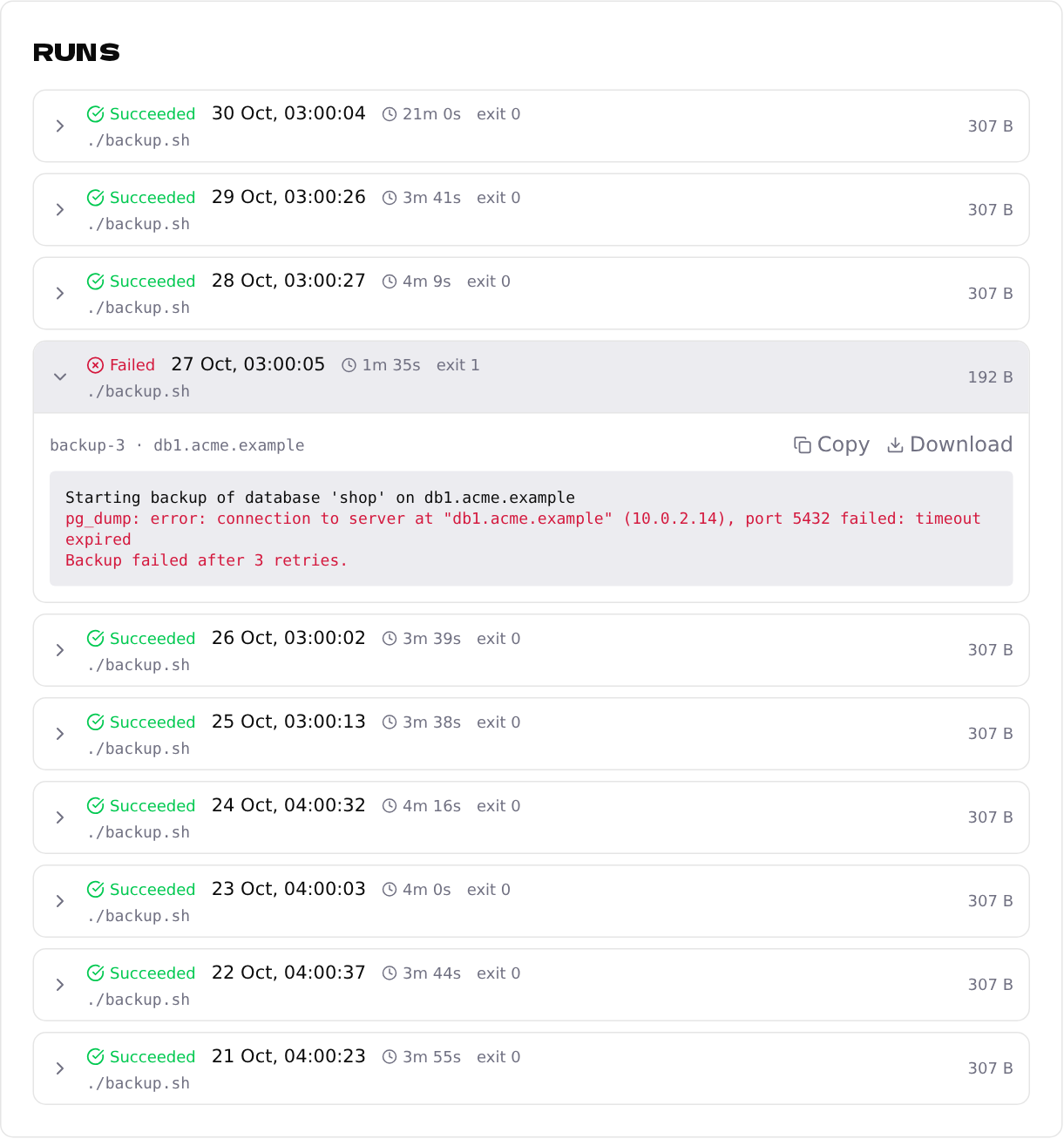
Open the endpoint: under Runs, a running job is marked Live and its output appears as it's printed. Finished runs show Succeeded or Failed, how long they took and their exit code. Click a run to read its log, or Copy / Download it.
Runs also make Max Run Time work, and their durations feed the insights about unusually slow runs.