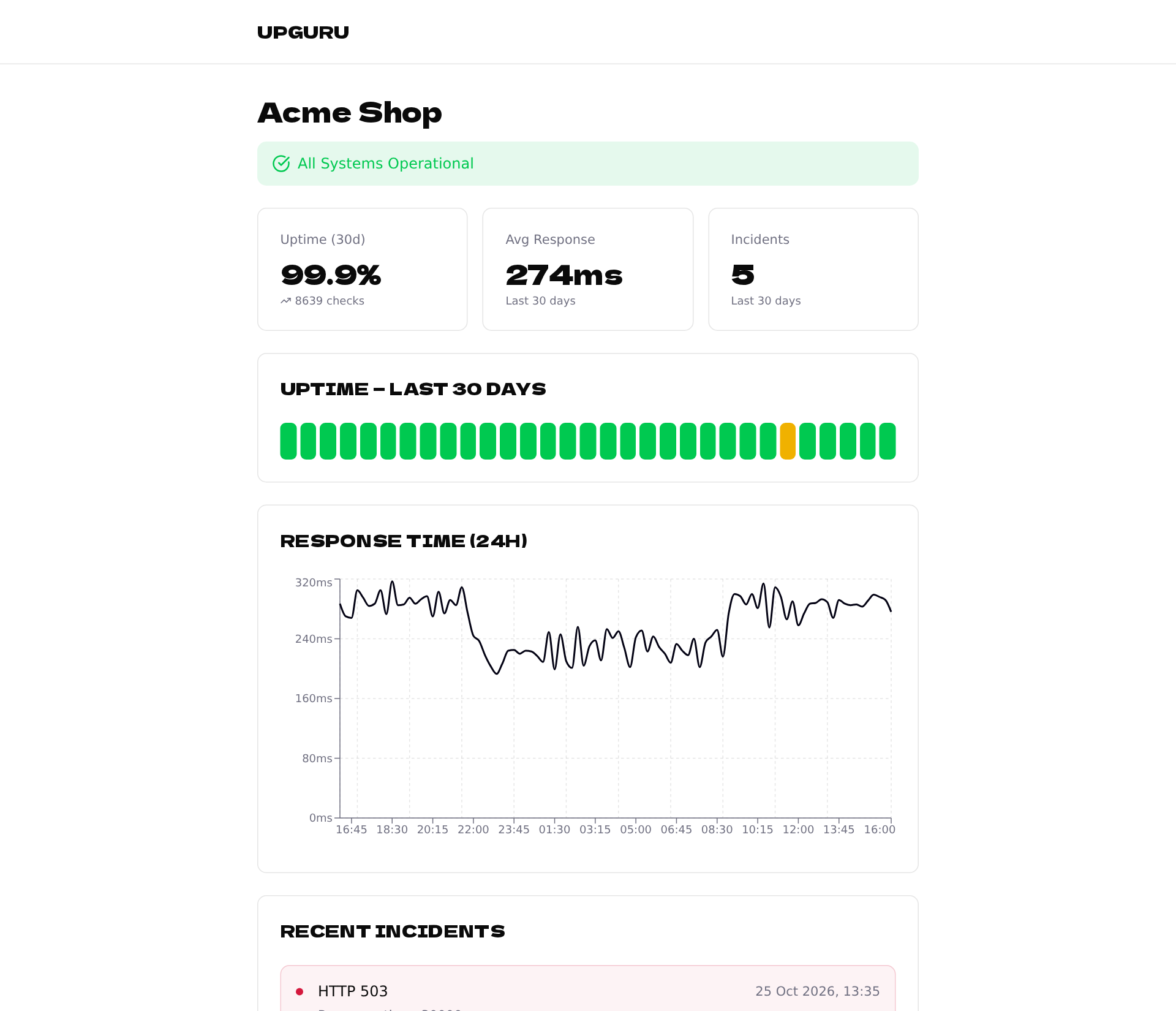
A status page shows your visitors whether your service works, its uptime and recent incidents — without showing the address you monitor. Status pages are available for website and API checks.
Choose the address of the page
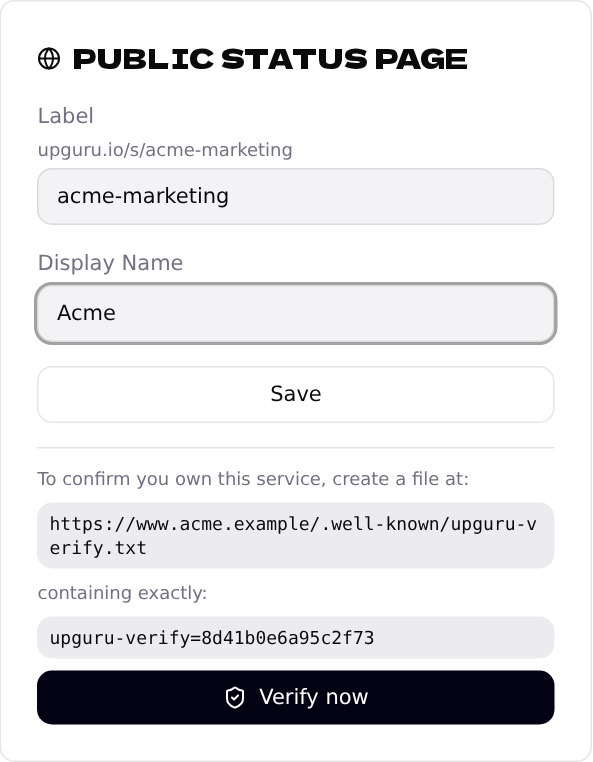
Open the endpoint and find Public status page. Pick a short label — it becomes the address, e.g. upguru.io/s/acme-shop — and the name your visitors will see. Click Save.
Prove the site is yours
So that nobody can publish a status page for someone else's site, we ask you to put a small text file on it. Create the file shown in the card — for example:
https://www.acme.example/.well-known/upguru-verify.txt
containing exactly the line from the card:
upguru-verify=YOUR-CODE
Then click Verify now. The page goes live right away.
.well-known in your website's root folder and put the file there.Share the link
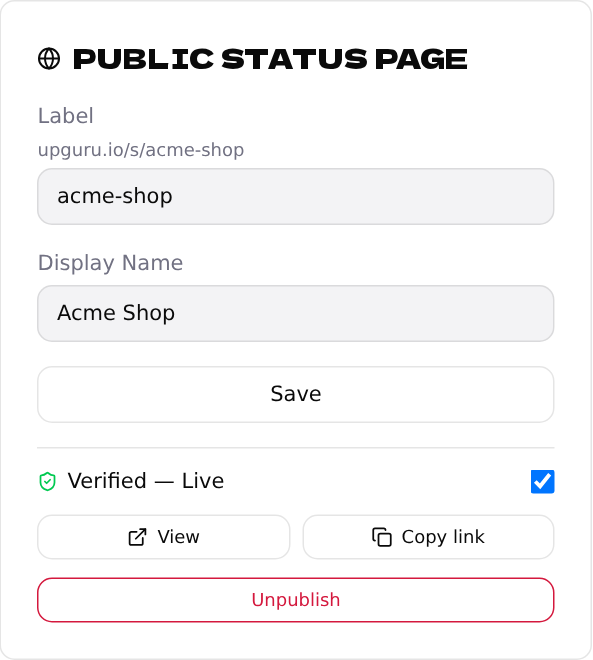
Once verified, use Copy link to share the page, or View to open it. The checkbox takes it offline temporarily; Unpublish removes it and frees the label.
This is what your visitors see: