A job that never runs can't report a failure. To catch that, tell UPGURU how often to expect a call: if none arrives in time, we alert you.
1
Set how long to wait
Open the job's endpoint and choose Expect a Push At Least Every in the Configuration card. Click Save Changes.
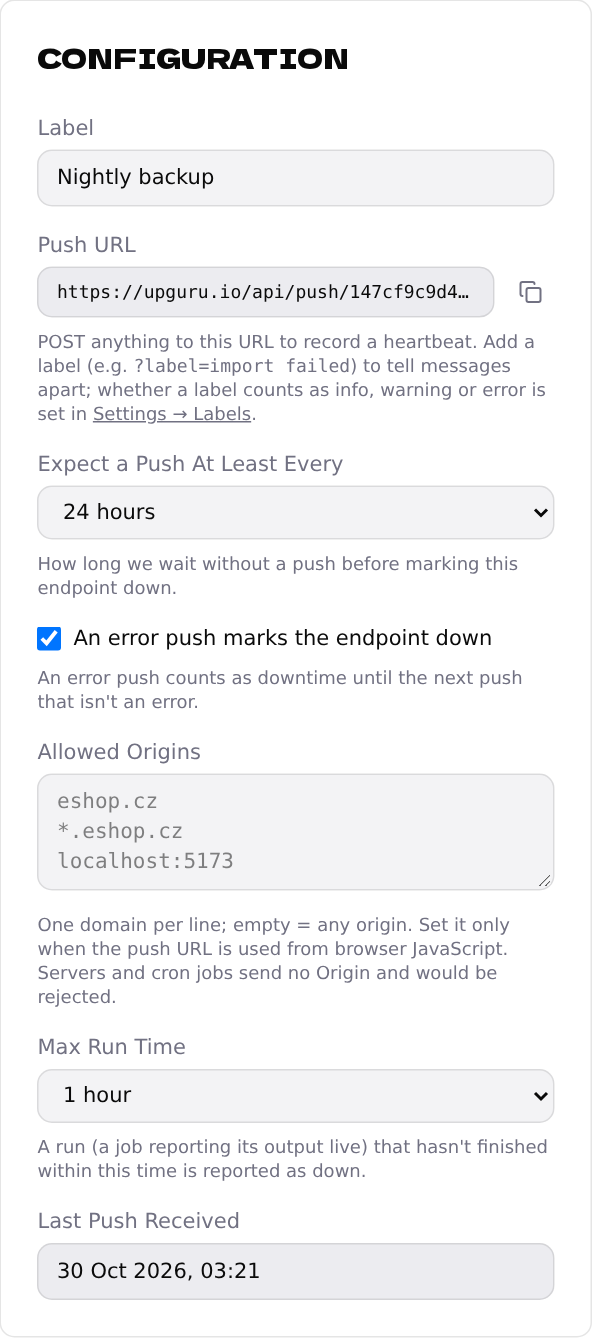
- •A job every hour → 6 hours lets a few runs slip without waking you up; 1 hour alerts on the first missed one.
- •A nightly job → 24 hours.
- •A weekly job → 7 days.
2
What happens when a call is missing
The endpoint goes Down with the incident No heartbeat received within the configured grace period, and you get an email. The next call brings it back up.
Choose a bit more than the job's schedule. A job that sometimes runs a little late shouldn't cause an alert.